
Now administrators can upload the institution’s logo and have all plan documents branded with your institution’s logo.
Admins now have the option to upload an image to appear on the cover of all PDFs generated from Ready.
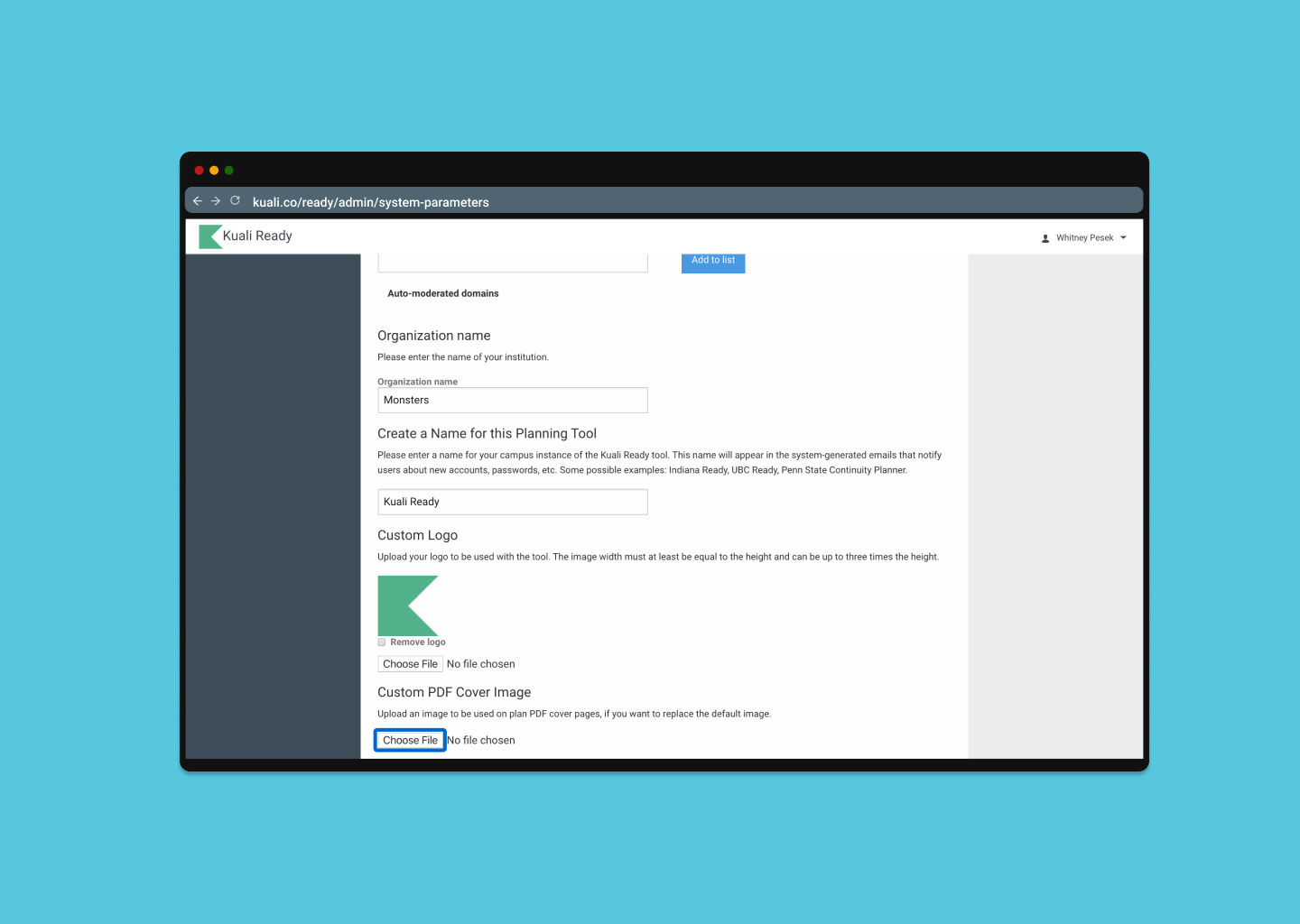
Steps to Upload Logo:
- Navigate to your Admin section.
- In the Administration menu, select System Preferences.
- Under Custom PDF logo image you can choose a file to upload.
- Save your changes.
You can at any time update this image.
The institution logo upload is available to all admins.
Keep in mind, that if you haven't updated your Admin list, this change will be viewable for all assigned admins and power users at your institution.
Please send questions or comments to: ready-support@kuali.co
Comments
0 comments
Please sign in to leave a comment.